Taxidermy Training Videos
The library of learning anywhere, anytime!
Showing all 35 results
-

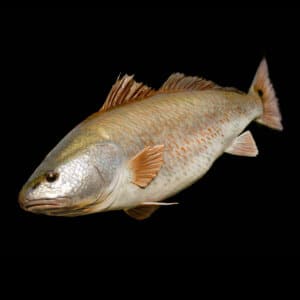
Video: Painting the Redfish
$39.14 -
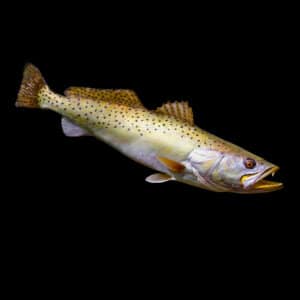
Video: Painting the Speckled (Spotted) Sea Trout
$39.14 -
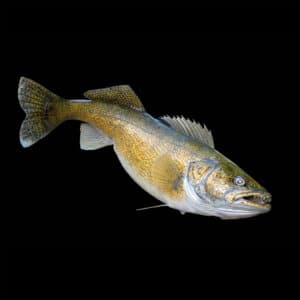
Video: Painting the Walleye
$39.14 -
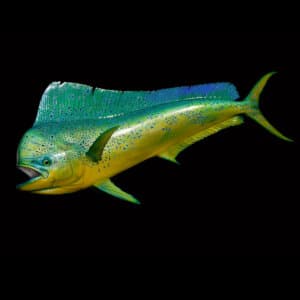
Video: Painting the Bull Dolphin
$39.14 -
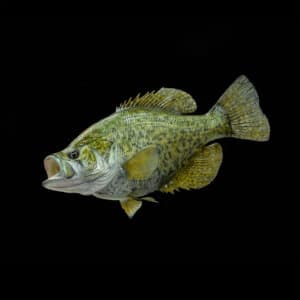
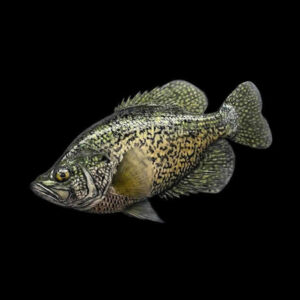
Video: Painting the Black Crappie
$39.14 -
Video: Painting the Grayling
$37.03 -
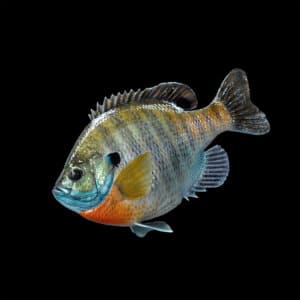
Video: Painting the Bluegill
$39.14 -
Video: Color Theory Seminar
$24.72 -
Video: Painting the Musky
$39.14 -
Video: Molding & Casting a Waterfowl Head
$10.29 -
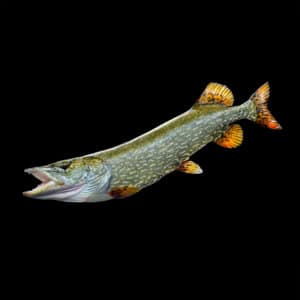
Video: Painting the Northern Pike
$39.14 -
Video: How to Make a Fish Mount Hanger
$6.13 -
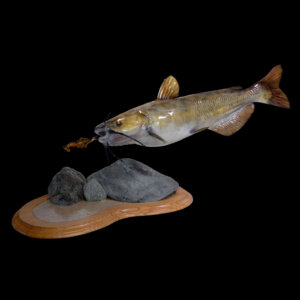
Video: Painting the Channel Catfish
$39.14 -
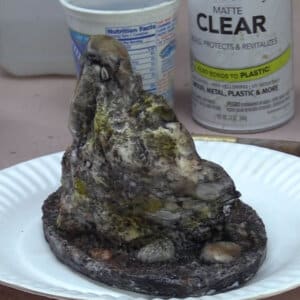
Video: Casting & Painting a Rock Habitat Piece
$10.29 -
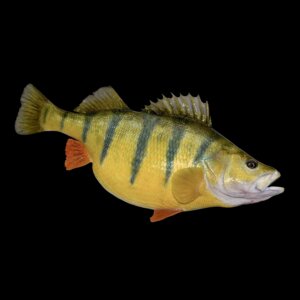
Video: Painting the Yellow Perch
$39.14 -
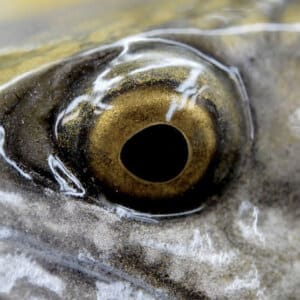
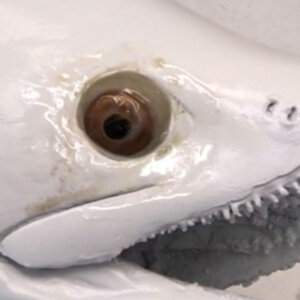
Video: How to Paint Fish Eyes
$10.29 -
Video: Painting the Brook Trout
$39.14 -
Video: Fin Shaping and Making Fin Pockets
$10.29 -
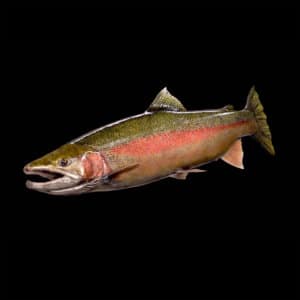
Video: Painting the Steelhead
$39.14 -
Video: Casting Fins & Baitfish
$10.29 -
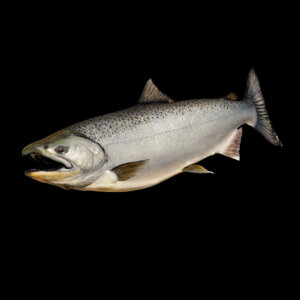
Video: Painting the Chinook Salmon
$39.14 -
Video: Casting a Fish Head
$10.29 -
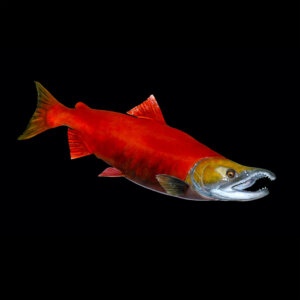
Video: Painting the Sockeye Salmon
$39.14 -
Video: Cold Casting Bronze
$10.29 -
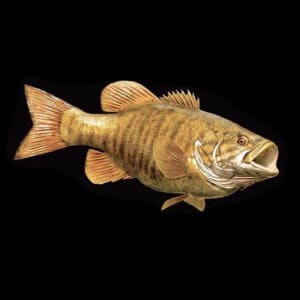
Video: Painting the Smallmouth Bass
$30.85 -
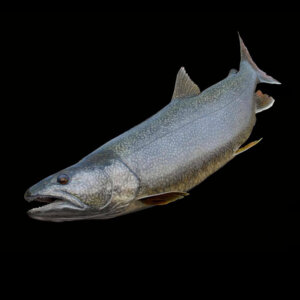
Video: Painting the Lake Trout
$39.14 -
Video: Fish Eye Setting Techniques
$10.29 -
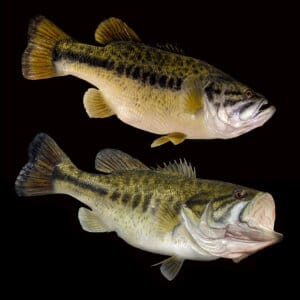
Video: Painting the Largemouth Bass
$39.14 -
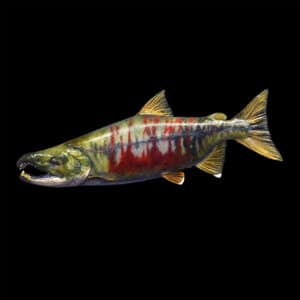
Video: Painting the Chum Salmon
$92.65 -
Video: Cleaning & Maintaining Your Airbrush
$10.29 -
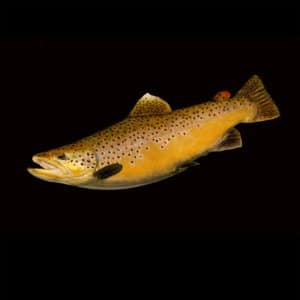
Video: Painting the Brown Trout
$39.14 -
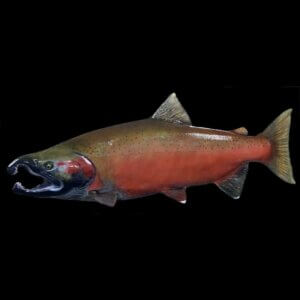
Video: Painting the Coho Salmon
$51.45 -
Video: Painting the Black Crappie (Master Class)
$99.95 -
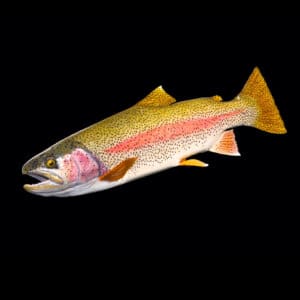
Video: Painting the Rainbow Trout
$39.14 -
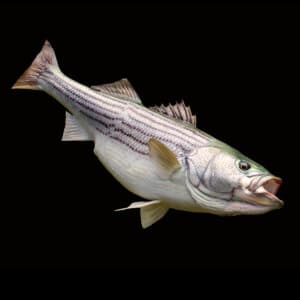
Video: Painting the Striped Bass
$39.14